Make a complete CV, step by step · 3 min
Experience level, an ATS-friendly template, contact details, jobs, education, skills, summary, projects, certificates, references, a cover letter and the finished two-page A4 PDF.
Find the main guidance for job search, account actions, and applying for jobs from one place.
Follow the pictures: the orange box shows where to click or tap.
Seven steps from a blank page to a finished PDF. No sign-up needed.
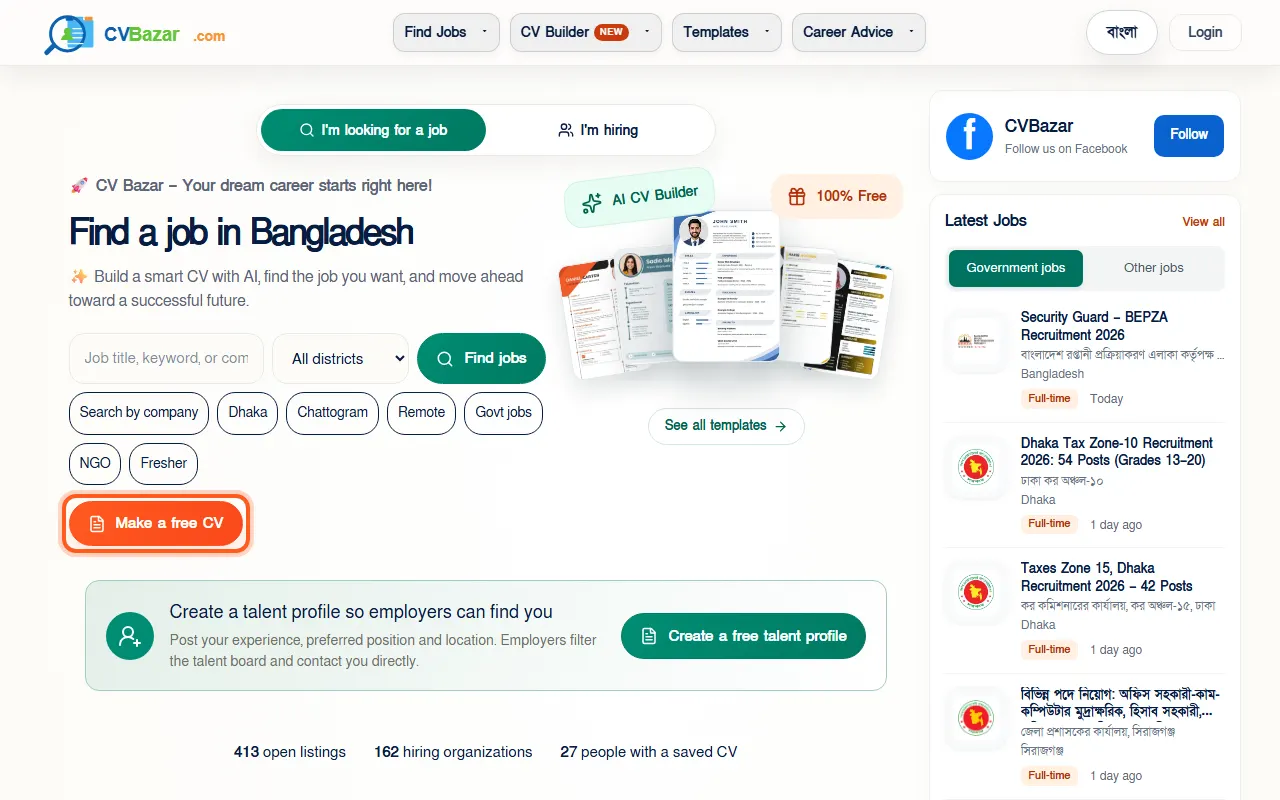
On the cvbazar.com home page, click “Make a free CV”. You can also use CV Builder in the top menu.
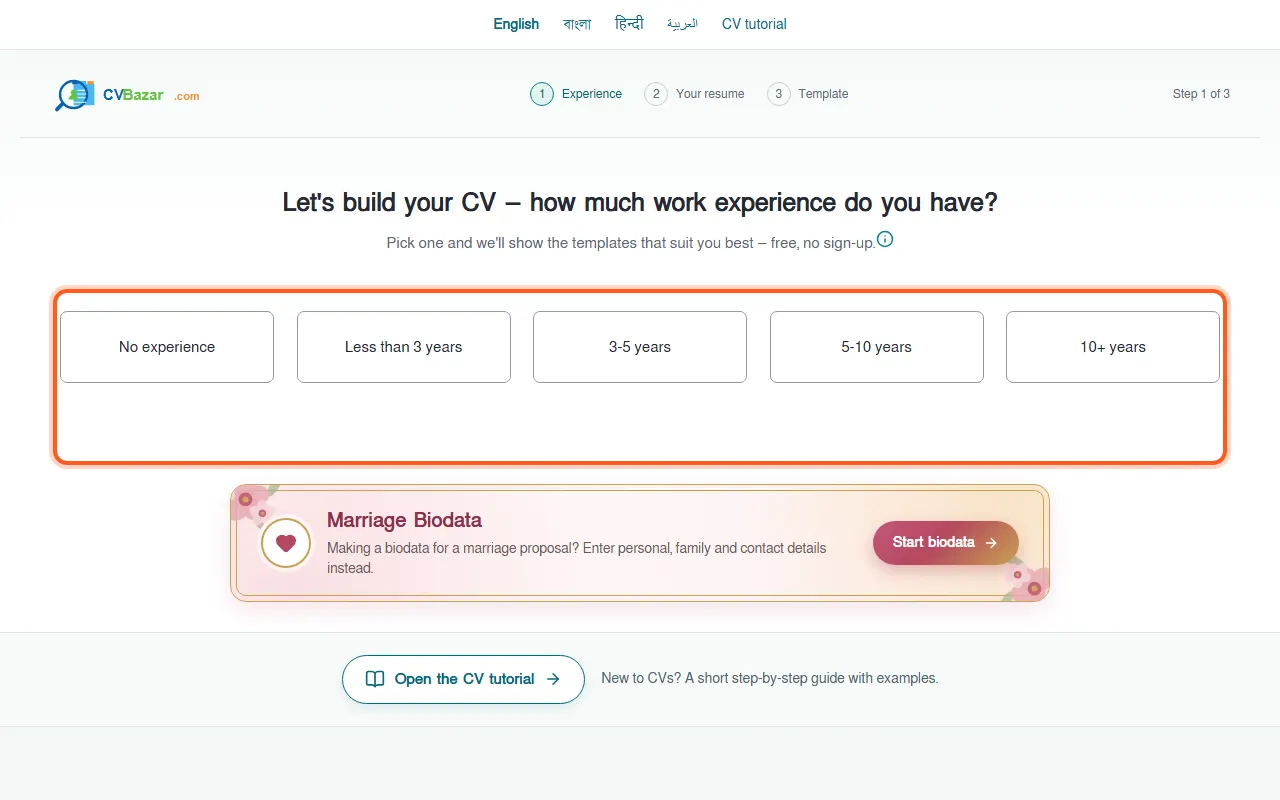
Pick how long you have been working. Freshers choose “No experience”. CV Bazar then suggests the templates that suit you.
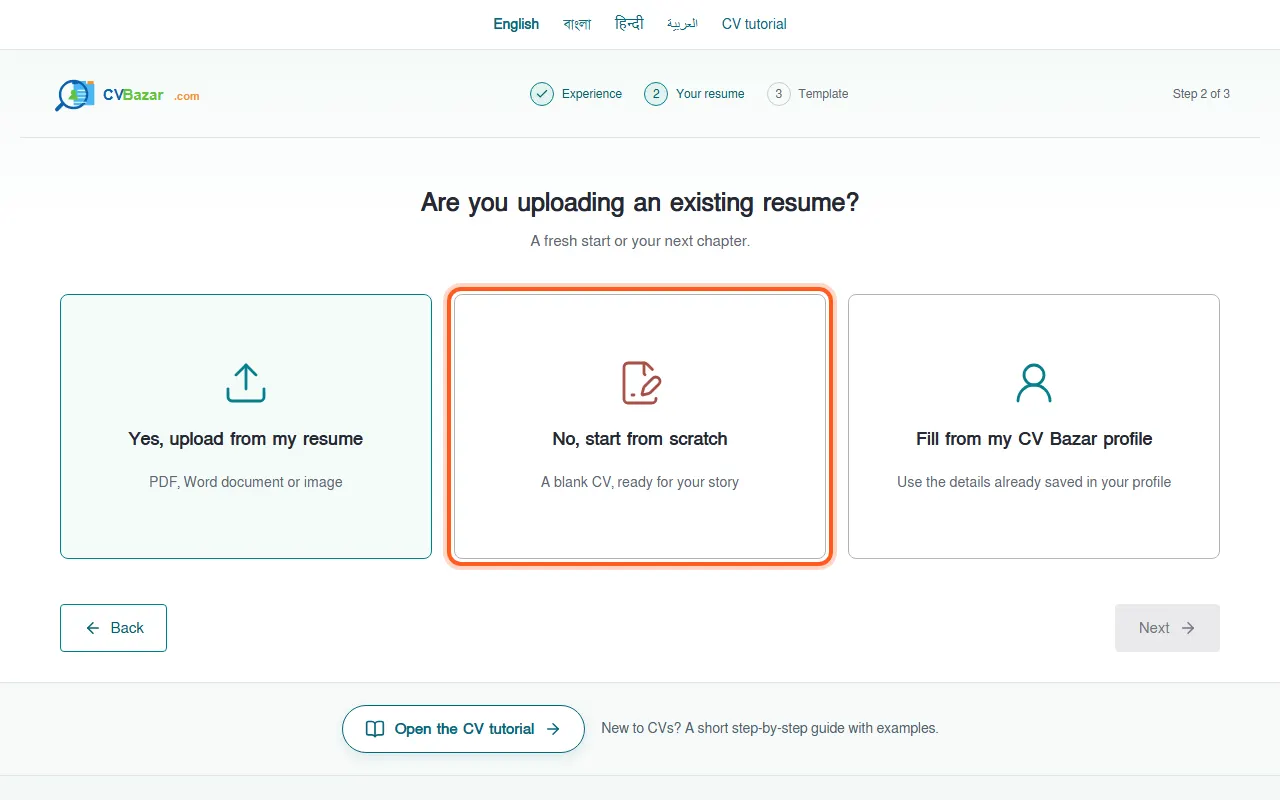
Choose “No, start from scratch” for a new CV, or upload an old CV (PDF, Word or a photo) and the details are filled in for you. Then press Next.
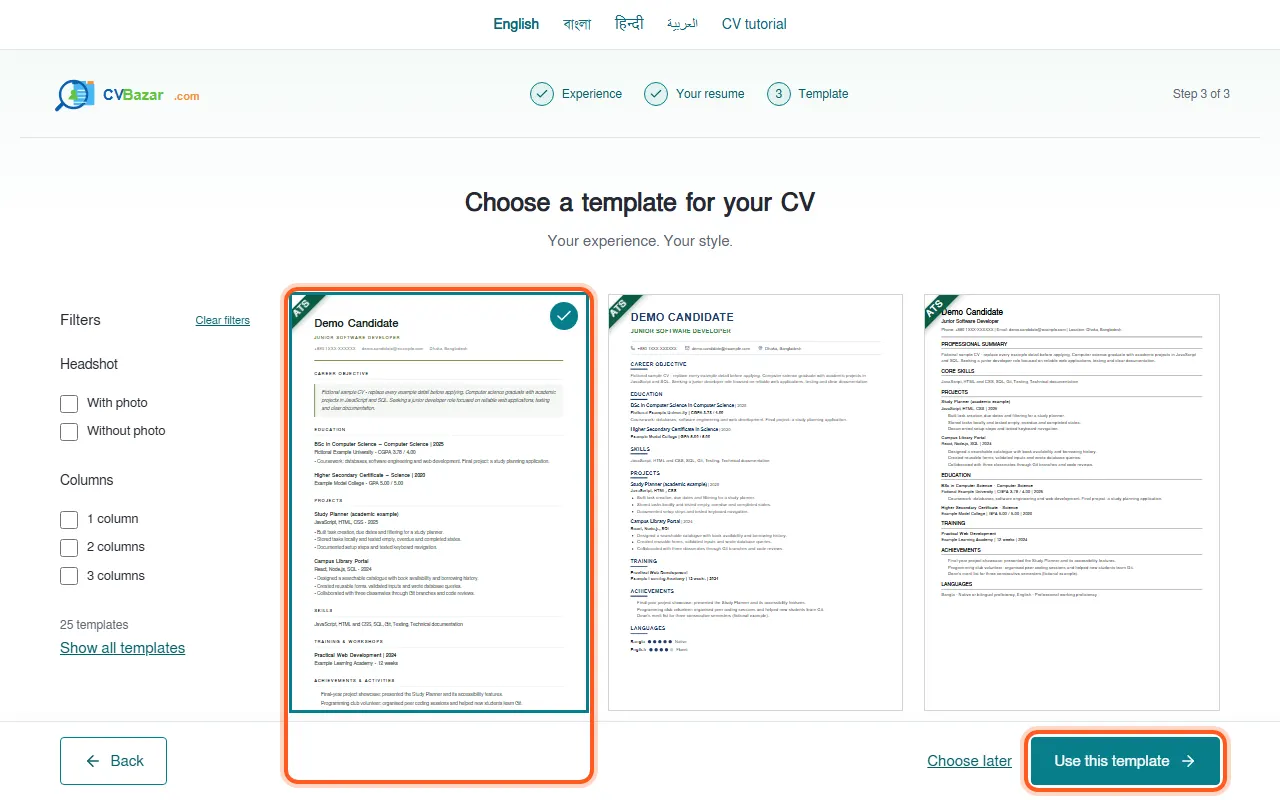
Click the design you like (you can change it later) and choose a colour, then click “Use this template”.
Type your name, profession, phone and email. The CV on the right updates as you type, and your work saves automatically on this device.
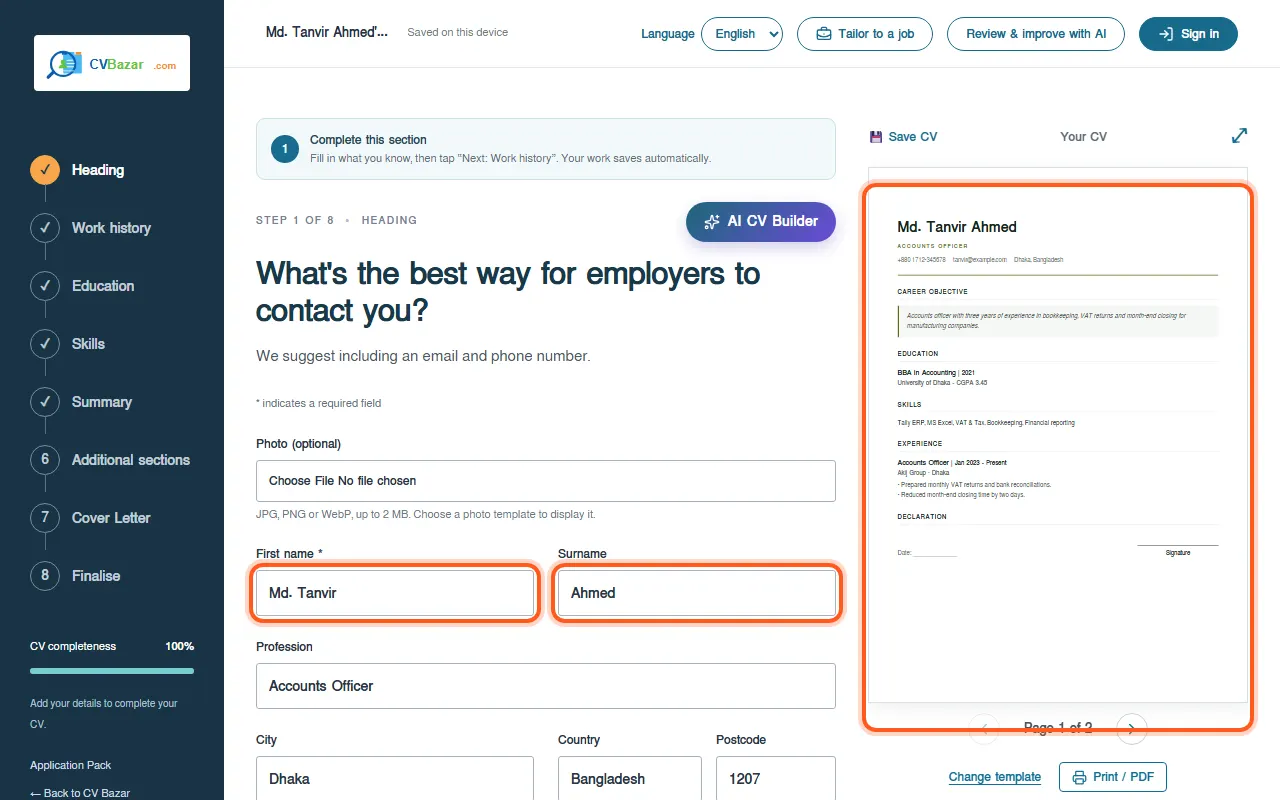
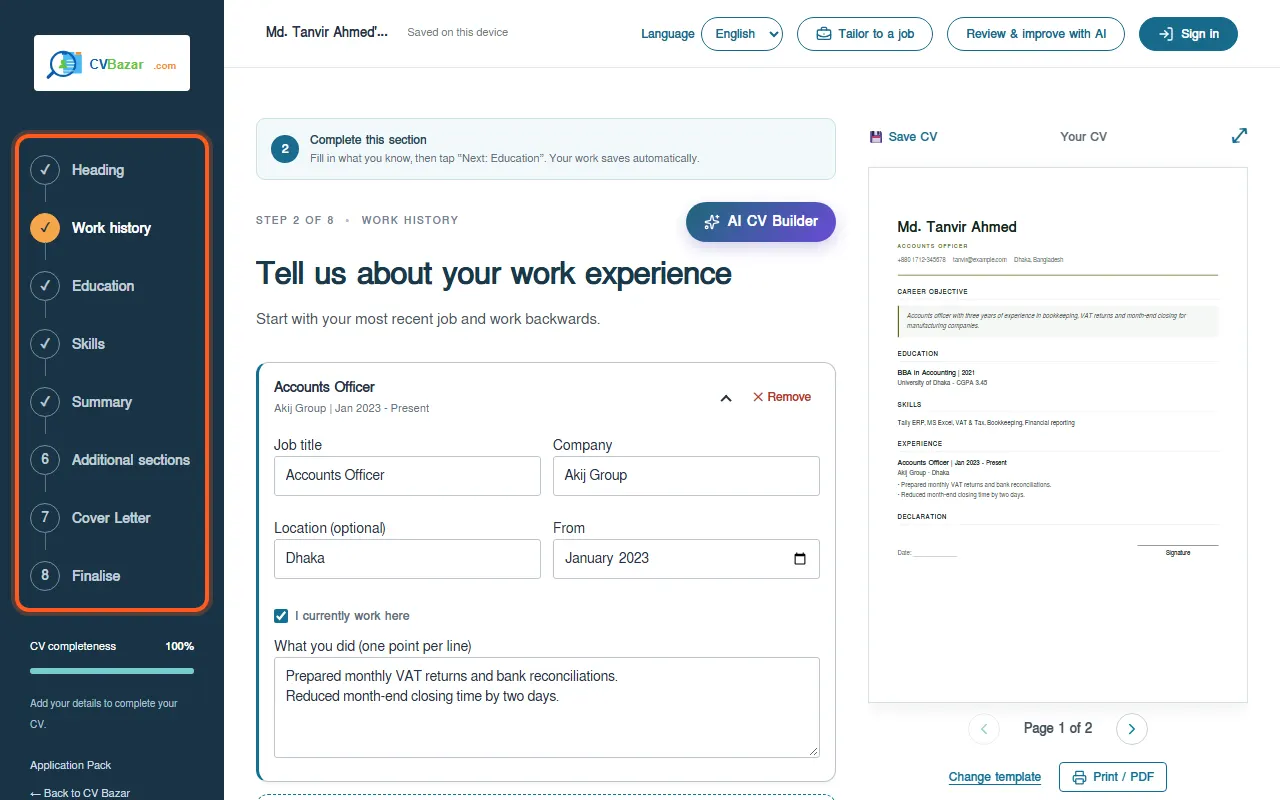
Use the steps on the left: work history, education, skills, summary and extra sections. Each has one-click suggestions to help you write.
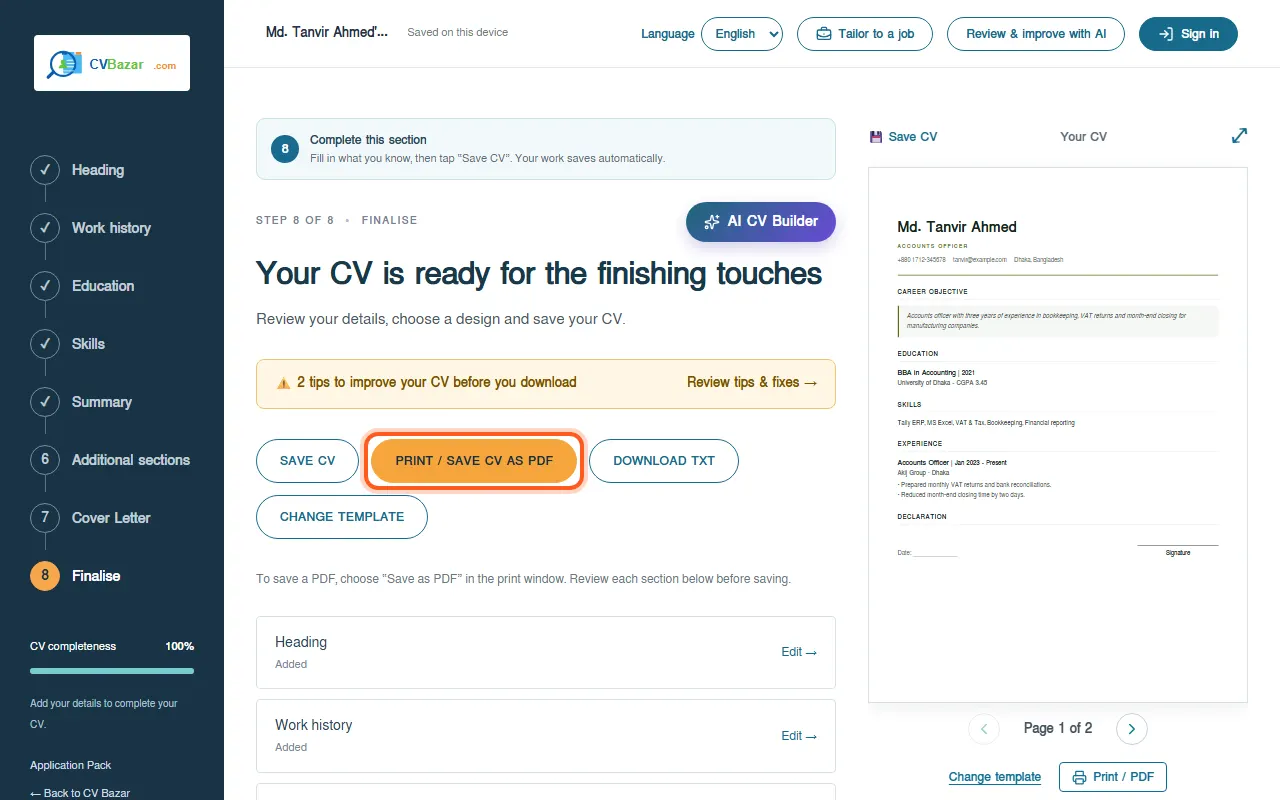
In Finalise, click “Print / Save CV as PDF”. In the print window choose “Save as PDF”, or print it on A4 paper.
Watch how to make a CV on CV Bazar. The videos are in Bangla with Bangla subtitles.
Experience level, an ATS-friendly template, contact details, jobs, education, skills, summary, projects, certificates, references, a cover letter and the finished two-page A4 PDF.
A short story: a fresh graduate rebuilds his CV on CV Bazar with a new template and one-click suggestions, prints it on A4 and gets called for an interview.